
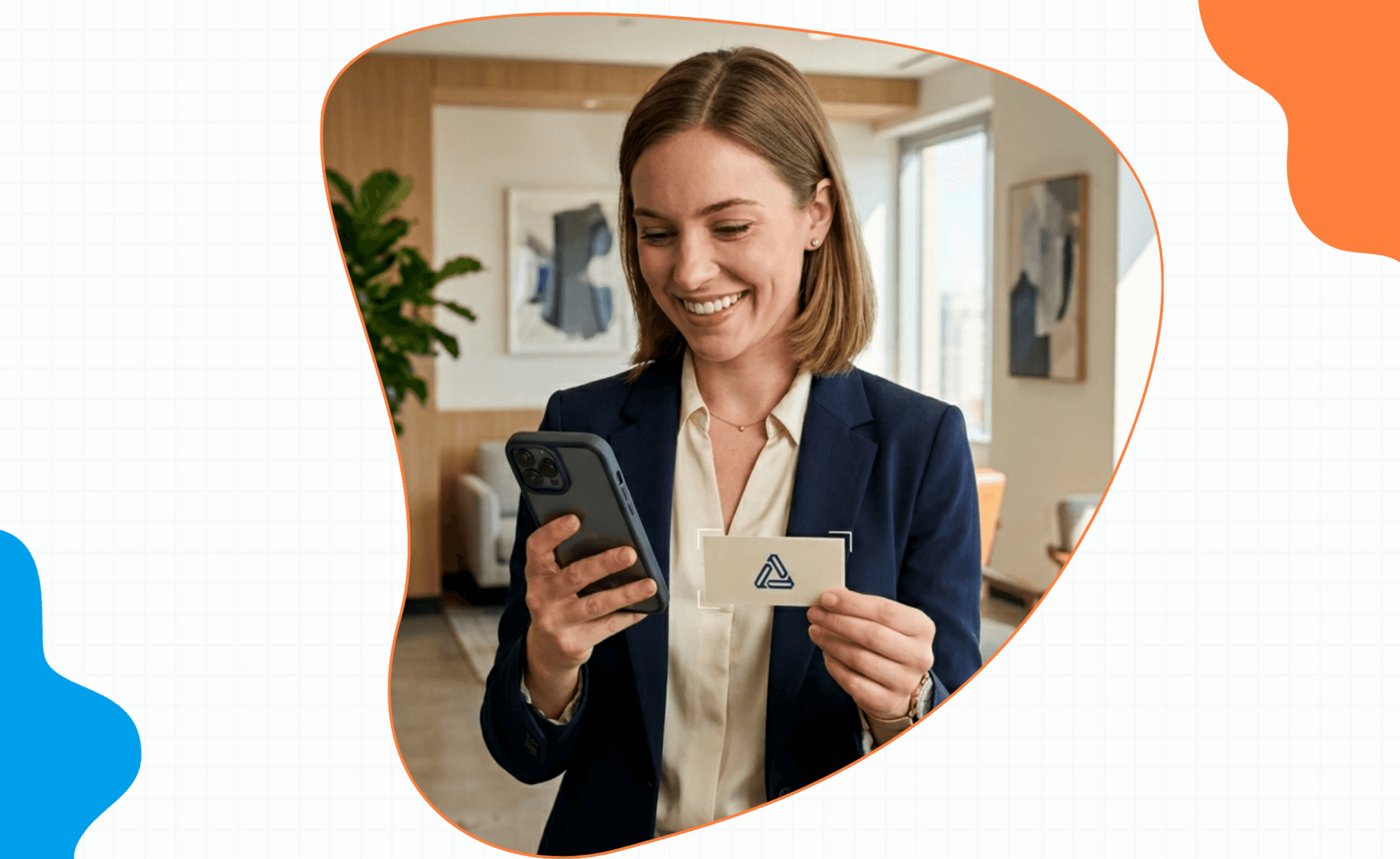
The right business card scanner app does one thing exceptionally well: it turns a paper card into a clean, accurate, CRM-ready contact in seconds — and then prompts the follow-up that's the whole reason you scanned the card in the first place.
Most apps in this category get the scan right and lose at the follow-up. This guide walks through what separates a great business card scanner from a junk one, what real users on Reddit and the app stores are complaining about, and the top business card scanner apps reviewed honestly.
Key takeaways• The best business card scanner app is judged on four things: OCR accuracy, CRM sync, follow-up workflow, and batch mode. • Real user complaints across forums focus on accuracy on unusual fonts, duplicate contacts, weak CRM integration, and the missing follow-up step. • The 'scan + voice note' workflow is the unlock — capture the card and the context together. • Top picks: Regards (scan + voice + follow-up), HiHello (digital cards), CamCard (legacy player), ScanBizCards (lean OCR). |
Why a business card scanner app is still the most valuable networking tool
Paper business cards aren't disappearing in 2026, but they are declining. Digital cards via QR code and NFC tap are taking share, especially in tech. What hasn't changed: the card (paper or digital) is the lowest-friction handoff at a conference, a booth, a BNI meeting, or a coffee.
The payoff isn't in the scan. It's in what happens in the 48 hours after. A great business card scanner app captures the card, captures the context, and queues the follow-up. Anything less is data entry without payoff.
What separates a great business card scanner from a junk one
OCR accuracy
Modern apps hit 90%+ accuracy on clean, standard cards. Where they break: cards with unusual fonts, accents, non-Roman characters, dark backgrounds, embossed text. A great business card scanner OCR engine is honest about confidence and prompts you to review the fields it's unsure about.
CRM sync
A scan that lands in a contacts app and stops there is half a tool. CRM sync should be one tap — to your personal CRM, your sales CRM, or your address book — with deduplication so you don't end up with three rows for the same person across years of conferences.
Follow-up workflow
The single biggest gap in legacy business card scanner apps: the card gets scanned, the contact sits in an address book, and the follow-up never happens. A real follow-up workflow queues a reminder, drafts a starter line, and surfaces it in 48 hours.
Batch mode
At a conference, you collect cards in handfuls. Single-card scanning forces you to stop the conversation. Batch mode (snap, snap, snap, then process) is the test of whether the app was designed for events or for a desk.
Real customer feedback from Reddit, Google, and the App Store
Pulling themes from forum threads, app store reviews, and third-party reviews of the major scanners in 2026:
Accuracy holds up on standard cards but breaks on non-Roman characters, accents, and decorative fonts. Manual correction is common.
Duplicate contacts come up repeatedly — apps that don't dedupe across scans create messy databases inside three months.
CRM integration is the most-cited weak point. Several legacy scanners only export to vCard/CSV and have no native sync with HubSpot, Salesforce, or modern personal CRMs.
The follow-up gap is the dominant complaint. "I scanned 80 cards at the conference. None of them got followed up." The scanner did its job. The system around it didn't.
Team features (shared workspace, conversation capture) are mostly missing in the legacy players.
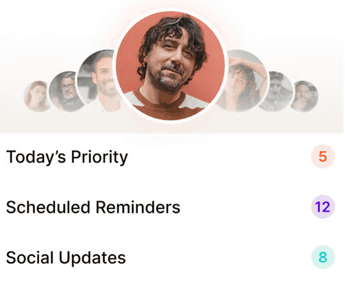
The 'scan + voice note' workflow nobody talks about
Most business card scanner apps stop at the scan. The unlock is what happens immediately after:
Card in hand, snap. The OCR fills name, company, role, email. Before you put the card away, hold the phone for 15 seconds and dictate: "Met Aisha at the SaaS Roundup booth. She's head of growth at a Series B fintech. Lifecycle email is a mess for her. Wants to talk in late Q2." The AI extracts the follow-up date, the context, and the task, and saves them to Aisha's contact card.
Now the scan isn't just a contact. It's a relationship with a queued follow-up. The 80 cards from the conference become 80 warm leads you'll actually contact, not a stack you'll throw out in March.
Regards: scan + voice note + AI follow-up extraction
Mobile-first business card scanner with voice-note context capture and AI follow-up extraction. Best business card scanner app for anyone who scans at conferences, BNI meetings, or open houses and needs the follow-up to actually happen. Syncs to the same contact card as your personal CRM. $150/year promo running, free trial with no card.
HiHello
Strong on digital business cards (QR/NFC) and on the exchange side of the workflow. Useful if your network is mostly digital cards in 2026. Scanning capability is solid; the follow-up workflow is lighter than what relationship-driven professionals need.
CamCard
Long-running legacy player with solid OCR on standard cards. Reported weaknesses: inconsistent accuracy requiring manual review, limited CRM sync (mostly vCard/CSV export), no native conversation capture or follow-up automation. Better for archival scanning than active relationship work.
ScanBizCards
Lean OCR-focused option. Does the scan well, doesn't try to do much more. Good for users who already have a CRM and just need clean contact data to import. Lacks the follow-up workflow that converts scans into pipeline.

Why we built Regards
I’m bad at staying in touch. Not because I don’t value people. Its a lot of work, and I didn’t have a system. This started as my fix. A quiet assistant that helped me nurture relationships thoughtfully. When people noticed the difference and asked what I was doing, it slowly evolved into a product. And the love has been incredible. Regards, Khuze

Frequently Asked Questions
How accurate are business card scanner apps in 2026?
On clean, standard cards, 90%+ accuracy is the baseline. Accuracy drops on decorative fonts, non-Roman characters, accents, and low-contrast designs. A quick manual review step is part of any reliable workflow.
Do I need a paid business card scanner app?
If you scan more than a handful of cards a month, yes. Free options handle occasional use; paid apps win on CRM sync, batch mode, and the follow-up workflow.
What about digital business cards?
QR and NFC cards are increasingly common. The best business card scanner apps handle both paper and digital exchanges in one inbox.
Will the scan sync to my existing CRM?
Depends on the app. Regards, HubSpot Scanner, and a few others have native sync. Legacy scanners typically require vCard/CSV export. Check before you commit.